Circled · Filled · Squared · Bubble
Bubble Text Generator
Turn plain words into rounded bubble and circled letters you can copy and paste into Instagram, Discord and more. Free, instant, right in your browser. Want every style at once? Use the all-in-one font generator.
Tap Copy next to any bubble style. Nothing you type is stored or sent anywhere.
What is a bubble text generator?
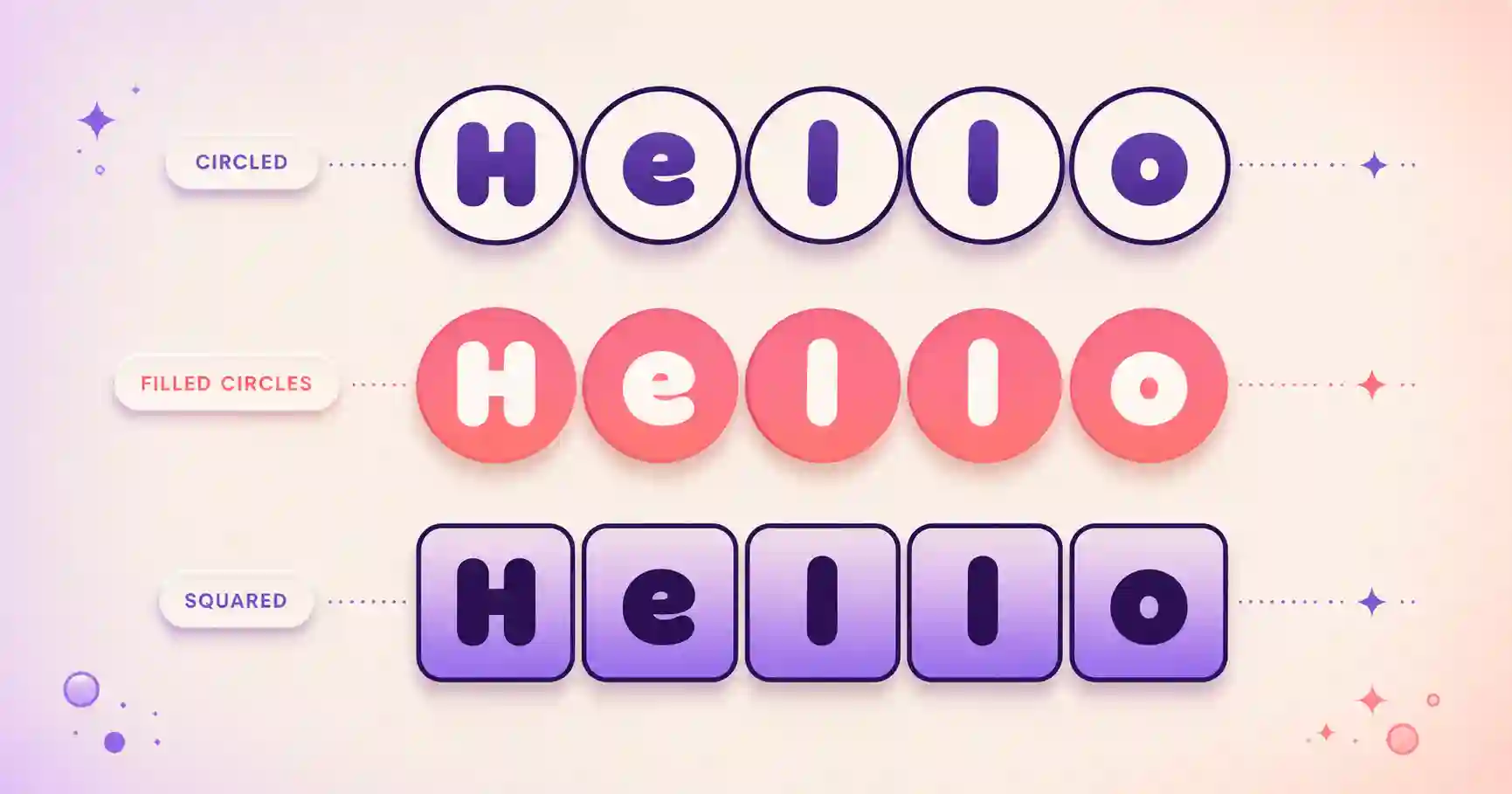
A bubble text generator converts ordinary letters into rounded, circled characters that look like little bubbles. Rather than changing any app setting, it swaps each character for a Unicode enclosed character. Because the bubble shape lives inside the characters, your text keeps its look when you paste it into a bio, a caption or a message that normally allows only plain text.
You get open circled letters, bold filled circled letters, squared and filled-square styles, and parenthesized letters. Try the same word in each to find your favourite bubble look.
How to make bubble text in 3 steps
1. Type your text
Enter a name, word or phrase. Previews update as you type.
2. Choose a style
Compare circled, filled, squared and parenthesized styles.
3. Copy & paste
Tap Copy and place it wherever you want an elegant touch.
Where to use bubble text
- Instagram, for cute, playful bios and captions. See the Instagram font guide.
- Discord, for fun usernames and channel names.
- Facebook and X (Twitter), to make posts and names pop.
- Lists and highlights, where circled letters add a neat touch.
Related font generators
Ready-to-copy bubble text examples
Circled and squared bubble styles generated live, ready to paste:
These are static samples. Type your own word in the box above to generate fresh styles you can copy in one tap.
Bubble text FAQ
What is a bubble text generator?
How do I copy and paste bubble letters?
What styles of bubble text are there?
Do bubble fonts work on Instagram and Discord?
Is the bubble text generator free?
Where to go next
Bubble letters are all about playfulness, and they slot naturally into the cuter corner of the site: pair them with the aesthetic font generator for soft pastel-vibe bios, or with tiny text for a sweet, minimal caption. Circled characters are especially popular on TikTok and Instagram, where round shapes read clearly even at small sizes. Want to compare bubbles against every other look at once? The fancy text generator shows them all.