Script · Bold Script · Italic · Elegant
Calligraphy Font Generator
Turn plain words into elegant calligraphy and flowing script you can copy and paste into Instagram, invitations, captions and more. Free, instant, right in your browser. Want every style at once? Use the all-in-one font generator.
Tap Copy next to any calligraphy style. Nothing you type is stored or sent anywhere.
What is a calligraphy font generator?
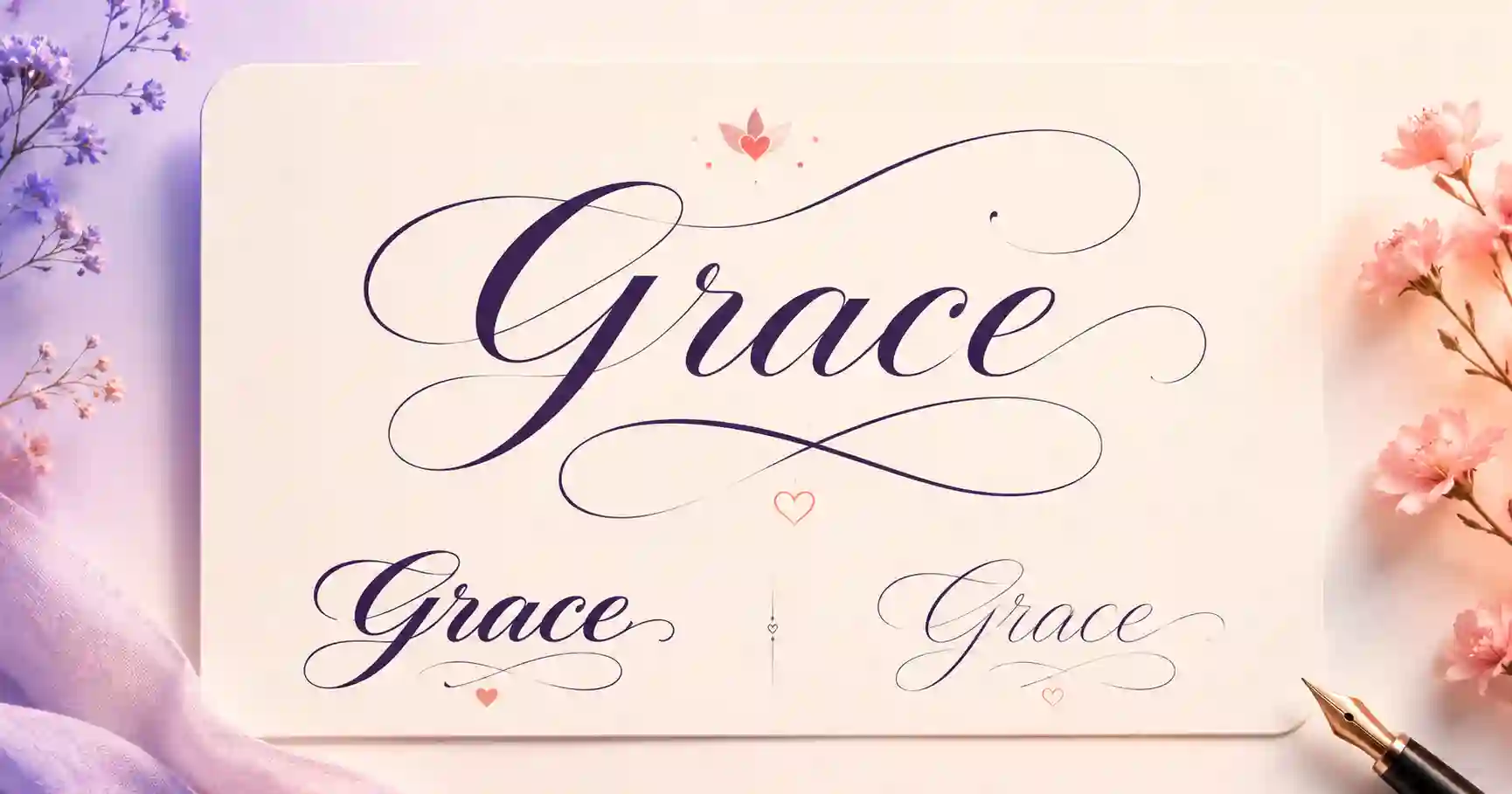
A calligraphy font generator converts ordinary letters into graceful, artful script. Rather than installing a font, it swaps each character for a Unicode lookalike that already has that elegant, hand-lettered quality. Because the styling lives inside the characters, your calligraphy keeps its look when you paste it into a bio, a caption, an invitation or a message that normally allows only plain text.
You get a flowing script, a heavier bold script for emphasis, a clean italic, and a refined double-struck variant. Try the same word in each to find the most elegant fit.
How to make calligraphy text in 3 steps
1. Type your text
Enter a name, word or phrase. Previews update as you type.
2. Choose a style
Compare script, bold script, italic and double-struck.
3. Copy & paste
Tap Copy and place it wherever you want an elegant touch.
Where to use calligraphy fonts
- Instagram, for graceful bios and captions. See the Instagram font guide.
- Invitations and events, for wedding text, save-the-dates and announcements.
- Discord, Facebook and X (Twitter), for elegant names and posts.
- Quotes and captions, to give meaningful words a refined feel.
Related font generators
Ready-to-copy calligraphy examples
Elegant flourished styles generated live, perfect for invites and bios:
These are static samples. Type your own word in the box above to generate fresh styles you can copy in one tap.
Calligraphy font FAQ
What is a calligraphy font generator?
How do I copy and paste calligraphy text?
Is calligraphy text the same as cursive?
Can I use calligraphy fonts on Instagram?
Is the calligraphy font generator free?
Where to go next
Calligraphy sits at the elegant end of the script family. If you want something a little more casual and handwritten, try the cursive font generator — the two styles are close relatives, and it's worth typing the same word into both. Flourished lettering is also a favourite starting point for tattoo designs and for softer, pastel-toned aesthetic text. To see how these decorative characters manage to paste into apps that don't support fonts, our short guide to Unicode fonts explains it in plain English.